Installing Your License
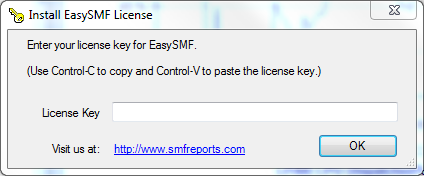
To install your license, select File->Install License from the menu. Use copy(Control-C) and paste (Control-V) to paste the license key into the license form.
Automating the License Installation
The license key can be automatically retrieved via HTTP from your web server. This allows license key management to be centralized.
The URL can be entered into EasySMF, or set via a command line option during installation. This allows you to e.g. create an installation batch file that will set the key location automatically.
To enter or change the URL in EasySMF, select Tools->Options... from the menu.

EasySMF will retrieve the license key from this URL if there is no license key installed, or if the installed license key has expired. The automatic check is limited to once per day.
To manually update using the license key URL, select File->Update License from the menu.
License File Format
The file to be retrieved can contain comment lines beginning with the # character, blank lines and the EasySMF key. The key can be split across lines if necessary.