Job Profile
The Job Profile report shows the consumption of various resources by a job over time. Type 30 interval, job and step end records to calculate the usage.
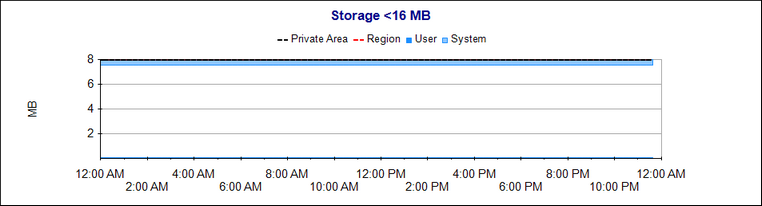
The storage reports show the High Water Marks for the storage values. The SMF values are not reset until the end of the step, so the values will only increase. They will not decrease even if storage is freed in the address space.
Storage below 16MB and between 16MB and 2GB is divided into System and User areas. The System area is allocated from the top of the address space, and the User area is allocated from the bottom. Out of storage conditions can occur if the User area exceeds the region allowed, or if the System and User areas meet in the middle.
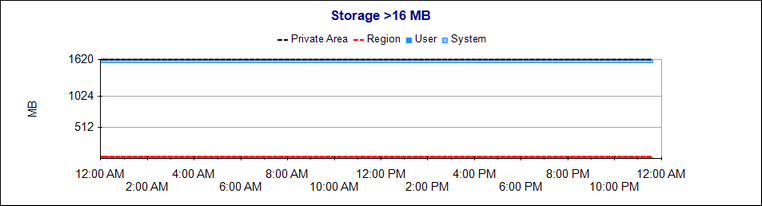
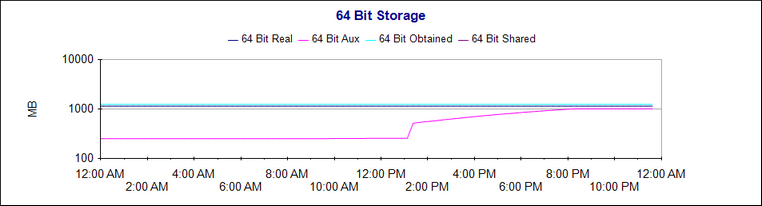
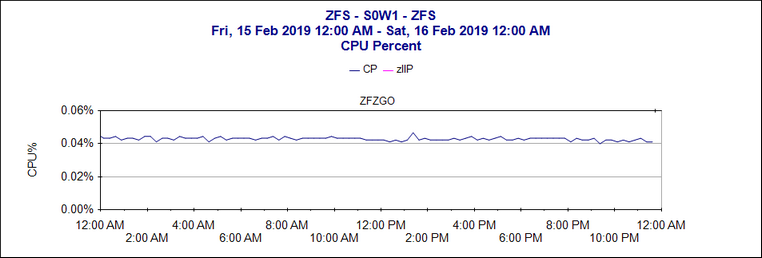
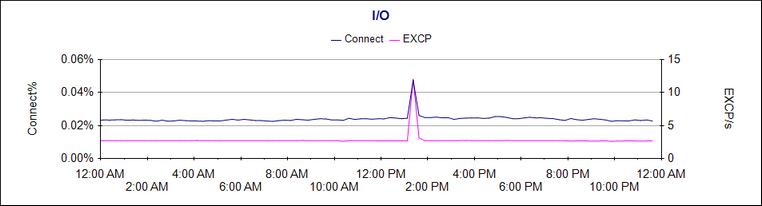
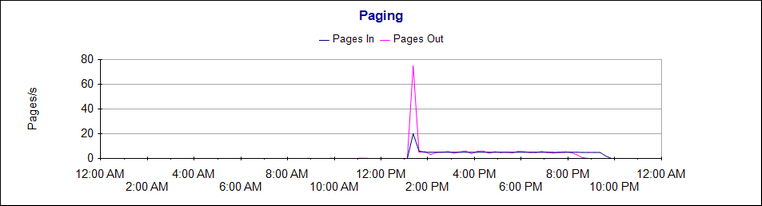
Job Profile report for a system address space
This example shows the usage of the ZFS address space on a storage constrained system. In this example, it might be interesting to look further at what was happening in the system around 1:30 pm. The report shows pages from the ZFS address space being paged out, and a significant increase in the 64 bit auxiliary storage high water mark.
To find out more about what might have caused this, you can click and drag on the chart to zoom in on the peak, then select the Job Status During Interval report and look for jobs that started coinciding with the peak.
If there are no interval records written during a job step, the average usage calculated from the step end records will be shown. This gives the steps a skyscraper look, however you can still see at a glance the usage of the different steps.
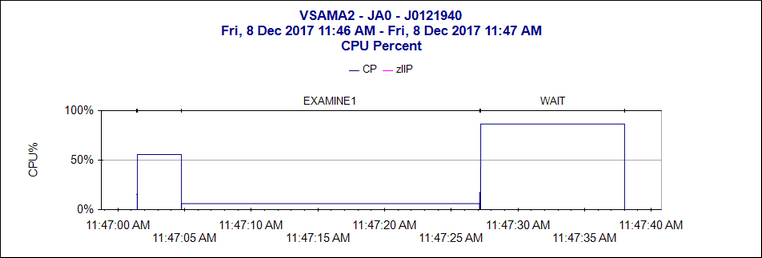
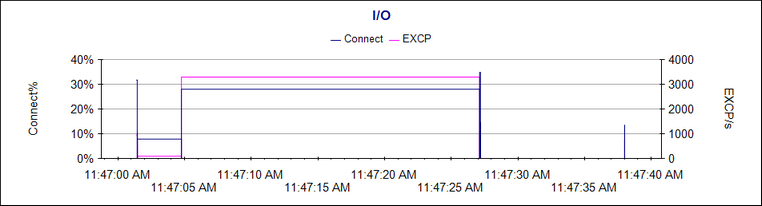
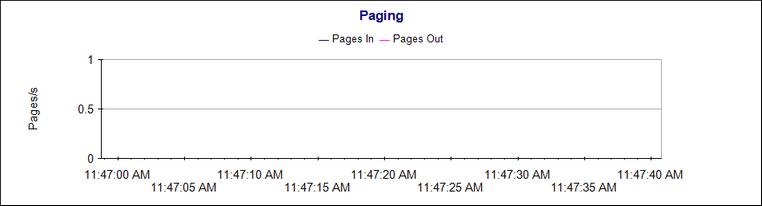
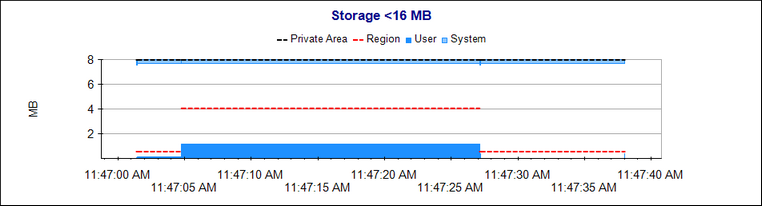
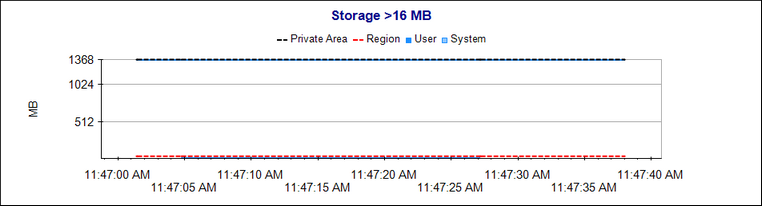
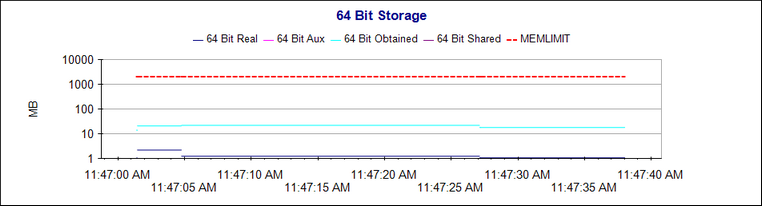
Job Profile Report for a multi-step job.
Report Parameters
| Parameter | Description |
|---|---|
| System | The SMF ID of the system that wrote the record. |
| Jobname | Filter by job name. |
| Job Number | Filter by job number. This list will be populated with the job numbers from jobs matching the job name, allowing selection of specific jobs by job number. |
| Read Time | Filter by job read time. This list will be populated with the read times from jobs matching the job name, allowing selection of specific jobs by read time. |
SMF records used for this report
| Type | Subtype |
|---|---|
| 30 | 2, 3, 4, 5, 6 |