Using EasySMF
EasySMF is designed to allow you to get started with a minimum of effort.
Install EasySMF and load SMF data
-
Download EasySMF and run the setup file to install the software.
-
Start EasySMF, and select a location for the SMF data repository, where the SMF data will be stored.
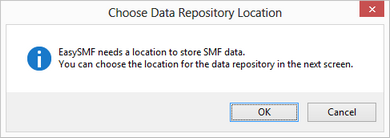
The repository is simply a Windows folder, where EasySMF creates a catalog to track the contents, and sub-folders for each dataset loaded into the repository. The repository should be created in a new, empty folder.
-
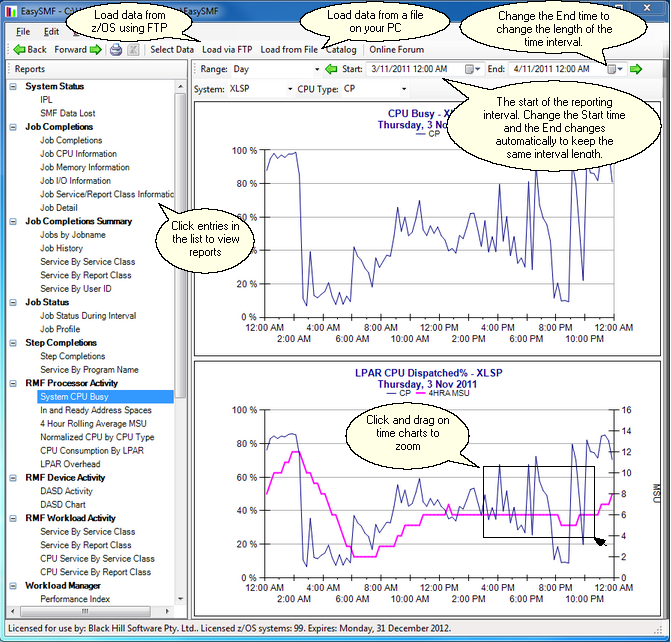
Click Load via FTP to download SMF data from z/OS, or Load from File to load previously downloaded data. Data loaded via FTP can be raw SMF data, or SMF data compressed using Gzip. When loading from a file on the PC data can be blocked or unblocked SMF records, or TSO TRANSMIT format - uncompressed, or compressed using Zip or Gzip.
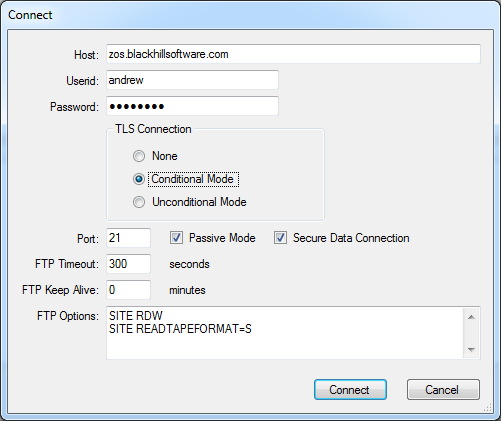
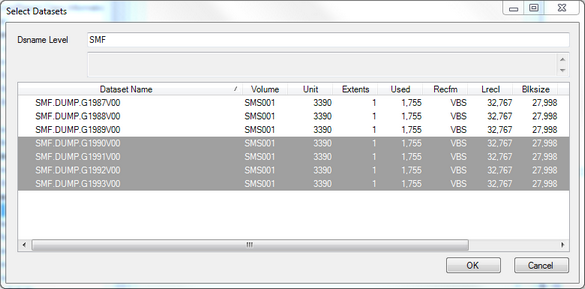
EasySMF will download the the selected files using the built in FTP client.
View the reports
-
Set the time range for your report in the Range selection above the report panel.
-
Select reports from the list in the left hand column to explore your data.
-
Navigate the reports. Change the time range, report parameters, and view different reports for the same time range. Click and drag on a chart to zoom into an interesting time range. Click chart series or report lines to open another report with more detail.